Choose your
Certora shield.
Logo files are below ↓Download your shield
Loading the Certora artwork…
Official Certora artwork only. No uploads or custom images. The PNG is 2× resolution and the SVG embeds the same raster artwork.
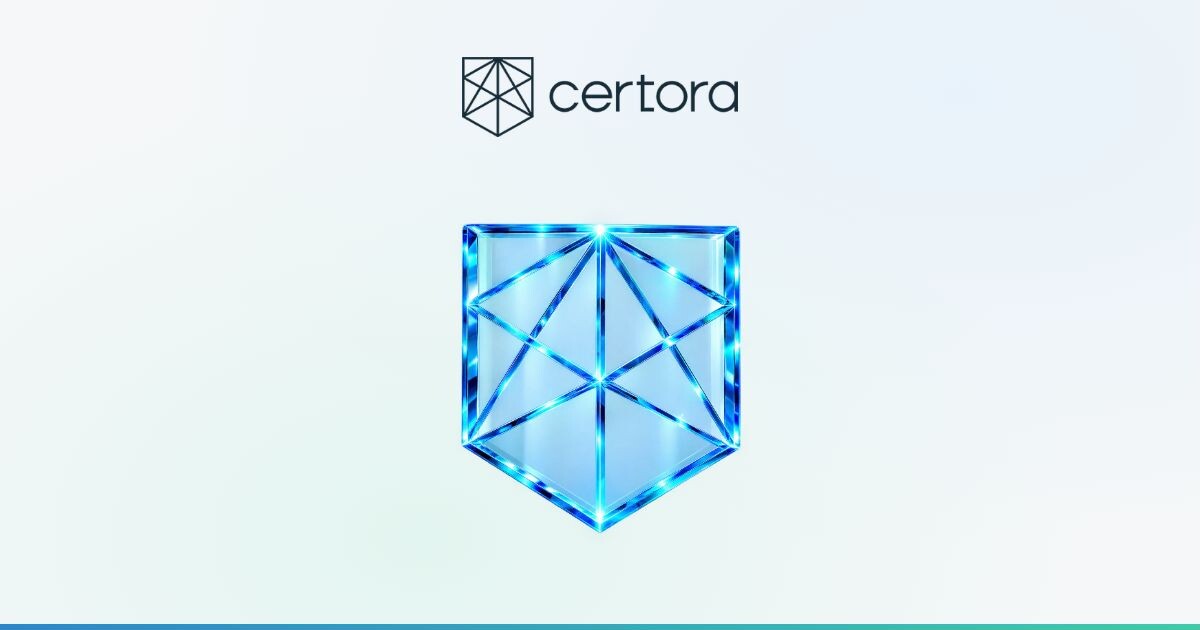
The Certora logo
The full gradient, gradient shield with black or white lettering, and single-color versions. Backgrounds below are preview surfaces only.
Download logo kit






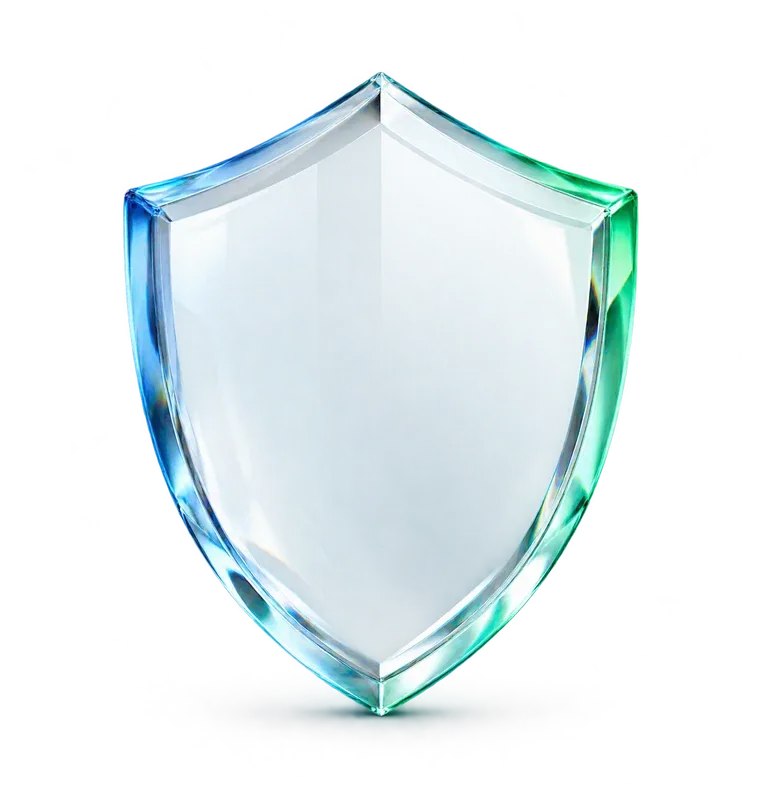
The Certora shield icon
For social profiles and other small placements. Do not redraw it or change its proportions.



Full logo PNGs are 3840 px wide. The gradient shield download is 1024 × 1024 px with clear space. Logo SVGs use vector paths and outlined letters; preserve their proportions when scaling.
Social banners and profile icons
Satin Steel covers with the 3D half-shield and the tagline Provable Security for Digital Assets & AI. Pair them with the gradient shield on white.
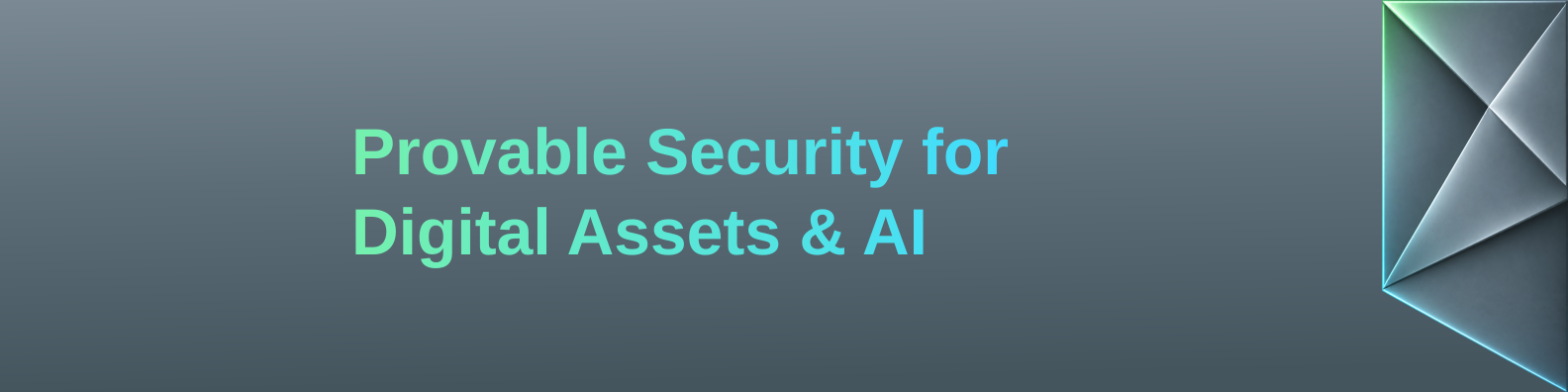
Includes platform-sized PNGs, editable and outlined SVGs, original logo masters, font files and crop guidance. Decorative artwork may crop on different screens.

Colors
Cyan
#40DCFFMint
#75F1ADSlate
#172C38Neutral
#F1F4F5Use the blue-green gradient for emphasis and slate for readable content. Keep surfaces neutral and avoid warm pink, orange or yellow accents.
Typography and voice
Inter
Use compact headings and concise descriptions. State the service, explain the outcome, then show the evidence.
Provable Security for Digital Assets & AI
Use the full logo for company identification and the standalone shield for profile icons. Preserve the proportions and clear space. Use the supplied assets and keep text legible.
Additional product artwork