01
Describe what must hold
Give your agent requirements, or review the properties it proposes.
AutoProver checks what should happen against what does happen in your code, right inside your coding agent. It helps you find what breaks, fix it, and check again, powered by AI and formal verification.
Ship with evidence. Not just confidence.
Powered by the Certora ProverGive your agent requirements, or review the properties it proposes.
Your agent writes the specifications. The Certora Prover checks them.
Inspect counterexamples, fix the code, and rerun the same properties.
Works as a skill in your coding agent
 Claude Code
 Codex
 Cursor
 Gemini CLI
 OpenCode

Describe the behavior you need in plain language. AutoProver helps your agent write formal specifications, investigate failures, and rerun checks as you fix the code. No CVL expertise needed.
claude plugin marketplace add Certora/autoprover-skill
claude plugin install certora-autoprover@certora-skillsCreate an organization API key in the app with Use Certora Prover, Create runs, Read runs and results, Cancel runs, and Download artifacts enabled. Export CERTORAKEY and add ~/.local/bin to PATH, then restart your agent.
Use certora-autoprover to verify src/Vault.sol:Vault.
Check that only authorized users can withdraw.“Only authorized users can withdraw.”
certora/specs/certora/confs/certora/report/Turn requirements into specifications inside your agent. Check the implementation while you can still change it.
Find issues before the engagement. Give your auditors a better-prepared codebase and the checks you have already run.
Keep the specifications and rerun them after changes. Add generated checks to CI with Certora’s GitHub Action.
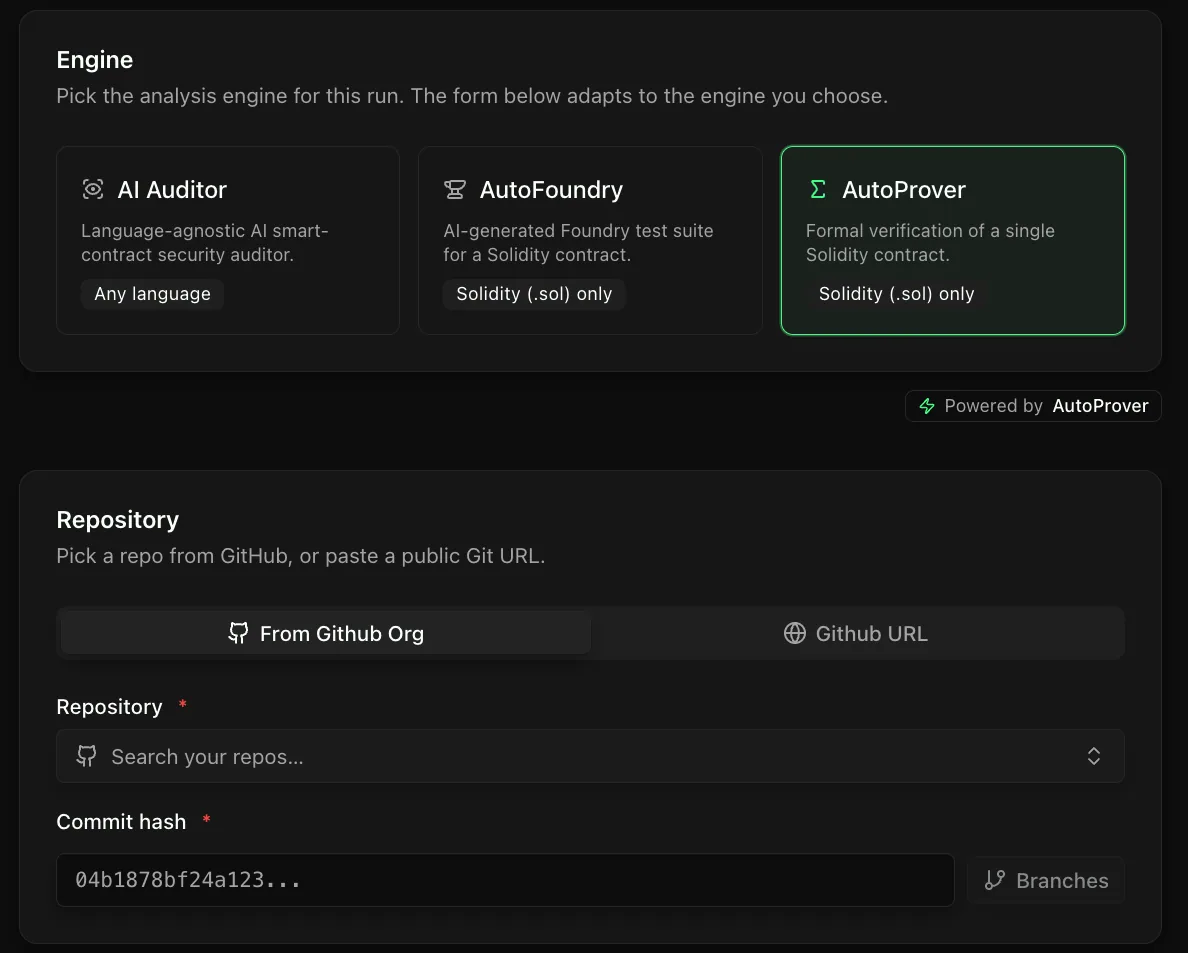
Connect your repository in the AutoProver app, configure a review, and share the findings and property results with your team.
Select your repository and review scope.
Find potential bugs and check your requirements.
Give your team the findings and results to work from.
A caller without permission can withdraw.
The checked accounting rule holds.
See why a rule passed or where it failed.
Review assumptions and unresolved checks.
Prover access is available on Free and paid plans. Check your allowance and metered usage in the app. For shared application reviews, explore the plans below.
For startups checking correctness and preparing a focused review, including before an audit.
Access fee + usage
For growing companies making security review part of regular development.
Access + committed monthly credits
Skill installation and Prover usage are separate. Review current allowances, rates, and application-plan terms in the Prover billing guide and our pricing page.
AutoProver uses AI and formal verification to check what should happen against what does happen in your code. The certora-autoprover skill works inside your coding agent: it derives properties, writes specifications, runs the Certora Prover, and reports verified properties, suspected bugs, and unresolved checks. The web application provides another way to configure reviews and inspect results.
In Claude Code, add the Certora/autoprover-skill marketplace, then install certora-autoprover@certora-skills. Other agents with skill support can use their skill installer with the same repository. Follow the official installation guide for toolchain and API-key setup.
No CVL expertise is needed to get started. Describe the behavior you need, provide an optional design document, or review the properties the agent proposes. The agent writes specifications and the Certora Prover checks them. Your team should review the properties, assumptions, and coverage.
The skill saves reports in certora/report/ alongside reusable specifications and Prover configurations. You receive suspected bugs with counterexamples and impact, verified properties linked to Prover runs, coverage gaps with reasons, and the assumptions used. Keep these artifacts to inspect results and rerun checks.
The Solidity skill supports Foundry and Hardhat projects that build, with Java 19 or newer, uv, and a Certora API key. A separate certora-autoprover-solana skill is available in alpha for Anchor and solana-program crates, with its own Rust and Solana prerequisites. See the repository for current support and setup.
The skill is free to install and access. Prover runs require a Certora API key and run in the Certora cloud. Usage beyond the included quota or credits is billed on a pay-as-you-go basis. Check the app for current allowances and rates. Paid subscriptions remain available alongside the skill: the application currently lists Pro at $120 per month plus usage, and Enterprise from $3,000 per month with committed monthly credits.
Yes. Keep the generated specifications, rerun them after changes, and use certora-run-action to add checks to GitHub CI. Review and update the specifications when requirements or assumptions change. Installing the skill alone does not configure CI.
A verified result establishes the checked property under the verification model and assumptions used. It does not cover requirements that were not specified. Unresolved or skipped checks are reported as coverage gaps. AutoProver is an automated tool; expert audits and dedicated formal verification engagements are separately scoped.
Your coding agent performs its work in your development environment. Prover jobs run in the Certora cloud and upload the contracts being verified. The app dashboard shows Prover jobs and results. Review the applicable product terms and your coding agent’s data settings.
Add formal verification to the agent you already build with.